September 18, 2026
Employee Timesheet Software: From Logged Hours to Accurate Billing & Payroll in India
Time Attendance software, Timesheet Software
ReadDiscover Why OpportuneHR is the best HRMS Software in India! Schedule a Demo OR Call us @ +91 7700-954949


 Visited 1 times


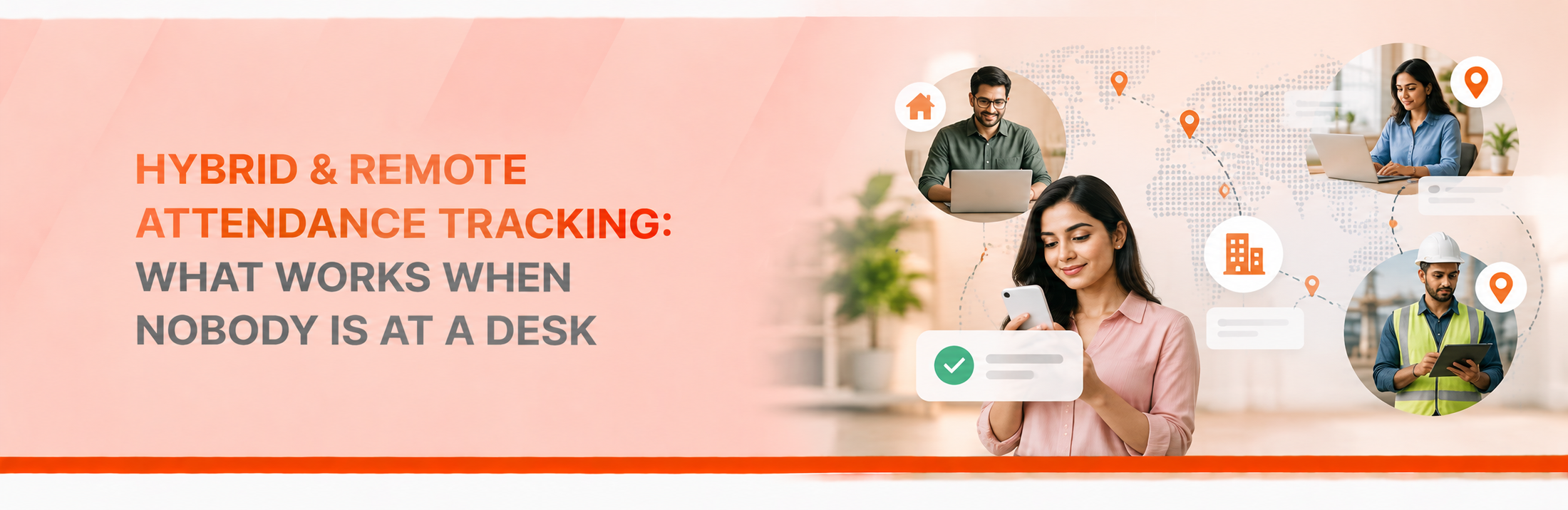
It’s 9:30 AM, and HR is reviewing the day’s attendance. In a traditional office, that would be straightforward. But today’s workplace looks a little different.
One employee is working from home. Another is on the way to the office. Someone else is meeting a client, and one team member simply forgot to mark their attendance.
Suddenly, HR is spending time piecing together who is working from where, chasing updates, and correcting records before payroll deadlines arrive.
If this feels familiar, you’re definitely not alone. As flexible and hybrid work become the norm, keeping attendance records accurate is no longer as simple as checking who’s sitting at their desk.
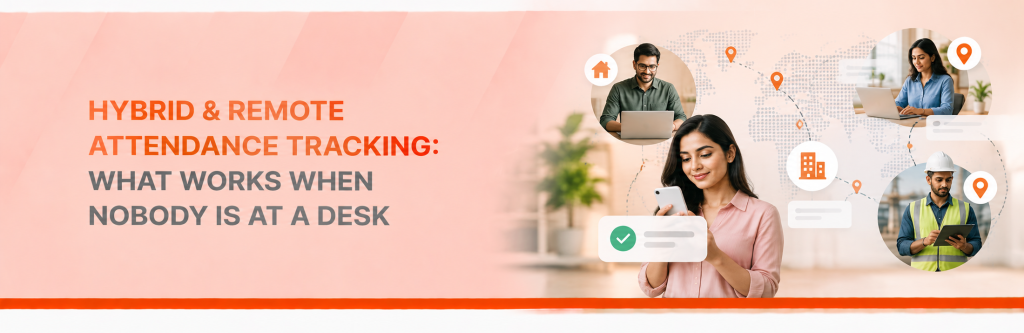
That’s why work-from-home attendance tracking has become an essential part of workforce management. The goal, however, isn’t to keep a constant watch on employees or track every minute of their day. It’s to create a simple, transparent system that helps everyone stay accountable while making attendance easy to manage, no matter where work happens.

When everyone comes to the office, attendance is fairly straightforward. Employees mark their attendance using a biometric device, access card or attendance application.
But hybrid and remote work don’t follow the same routine.
An employee may work from home on Monday, come to the office on Tuesday and visit a client on Wednesday. Another may follow a completely different schedule.
When there’s no common process, HR often ends up relying on spreadsheets, emails and messages to confirm attendance.
A missed punch becomes a follow-up. A work-from-home day needs clarification. A manager has one attendance record, while HR has another.
Individually, these issues seem small. By the end of the month, they can create unnecessary work.
A proper attendance system helps bring these different working arrangements into one place.
Employees shouldn’t have to struggle with an attendance app just to let HR know they’ve started work for the day.
A good WFH attendance system should make everyday tasks simple and hassle-free. Employees should be able to mark their attendance from an approved web or mobile app, check their attendance history, and easily request corrections if they forget to clock in or out.
Managers should have a straightforward way to review and approve these requests, while HR should be able to monitor attendance trends and records across teams from a single place.
Useful features include:
Imagine an employee forgets to mark attendance in the morning. Instead of sending three emails and waiting for HR to update the record manually, they raise a correction request through the system.
The manager reviews it, and the approved change is recorded.
It’s a small improvement, but when it happens across hundreds of employees, the time saved can add up.
Here’s a question many HR teams face: How do we know remote employees are actually working?
It’s a fair concern, but attendance alone cannot answer that question.
Remote employee attendance tells you whether working time has been recorded according to company policy. It doesn’t tell you whether someone has completed their work, met a deadline or delivered good results.
That distinction matters.
Being online all day doesn’t always mean work is getting done. Some employees may stay active for hours and still struggle to complete their tasks, while others can deliver great results without constantly showing as “online” on a tracking tool.
That’s why attendance should never be viewed in isolation. It works best when combined with clear goals, regular check-ins, and performance measures that reflect the nature of each role.
Just as important, HR needs to set clear expectations around attendance. When should employees check in? Are breaks tracked? What happens if someone forgets to mark their attendance? Who approves correction requests?
When the process is simple and well understood, employees spend less time worrying about administrative tasks and there are fewer back-and-forth conversations for everyone involved.
On paper, hybrid work seems straightforward. In reality, managing attendance across different teams and departments is rarely that simple. Each team has its own work patterns, responsibilities, and requirements, which means a single attendance policy may not work equally well for everyone.
A practical hybrid work attendance system should support the company’s approved working arrangements while maintaining consistent records.
HR should be able to distinguish between office attendance, work-from-home days, field visits and leave. Managers should be able to review their team’s records without maintaining separate spreadsheets.
The aim is to give employees flexibility while ensuring that attendance policies are followed fairly.
Geofencing attendance uses a defined geographical boundary to support location-based attendance rules.
It can be useful for employees who need to mark attendance at a particular office, client site or project location.
For example, a field employee may need to record attendance when reaching an assigned worksite.
But does every employee working from home need location tracking?
Not necessarily.
If the purpose is simply to record working hours, a web or mobile check-in may be sufficient. Location tracking should be used only when there is a genuine business need, with clear communication about what is collected and why.
Employee privacy matters. The objective is to manage attendance responsibly, not make people feel that their every movement is being watched.
For HR, the real challenge isn’t just recording attendance. It’s managing what happens afterwards.
A missed punch needs correction. A leave request needs approval. Attendance data needs to be checked before payroll.
When these activities happen across different systems, HR spends valuable time bringing everything together.
OpportuneHR connects attendance, leave, employee self-service, workflows and payroll-related processes within an integrated HRMS. Depending on the organisation’s configuration, teams can manage attendance records, regularisation requests, approvals and reports more systematically.
This gives HR better visibility and helps reduce the manual work involved in managing attendance.
Less chasing. Fewer spreadsheets. Clearer attendance records.
Remote and hybrid work have changed where people work, but they haven’t removed the need for clear attendance policies.
The best system isn’t necessarily the one that tracks the most. It’s the one employees can use easily, managers can review fairly and HR can rely on when it’s time to close attendance and process payroll.
Before choosing a solution, think about how your employees actually work. Can they mark attendance easily? Can managers approve corrections? Can HR see records across teams without chasing everyone?
If the answer is yes, you’re moving towards a much simpler attendance process.
Book a demo to see how OpportuneHR can help manage attendance across your hybrid and remote workforce.