

December 10, 2024
The Importance of Timesheets for SMEs: Real-World Insights
ReadDiscover Why OpportuneHR is the best HRMS Software in India! Schedule a Demo OR Call us @ +91 7700-954949


 Visited 1 times


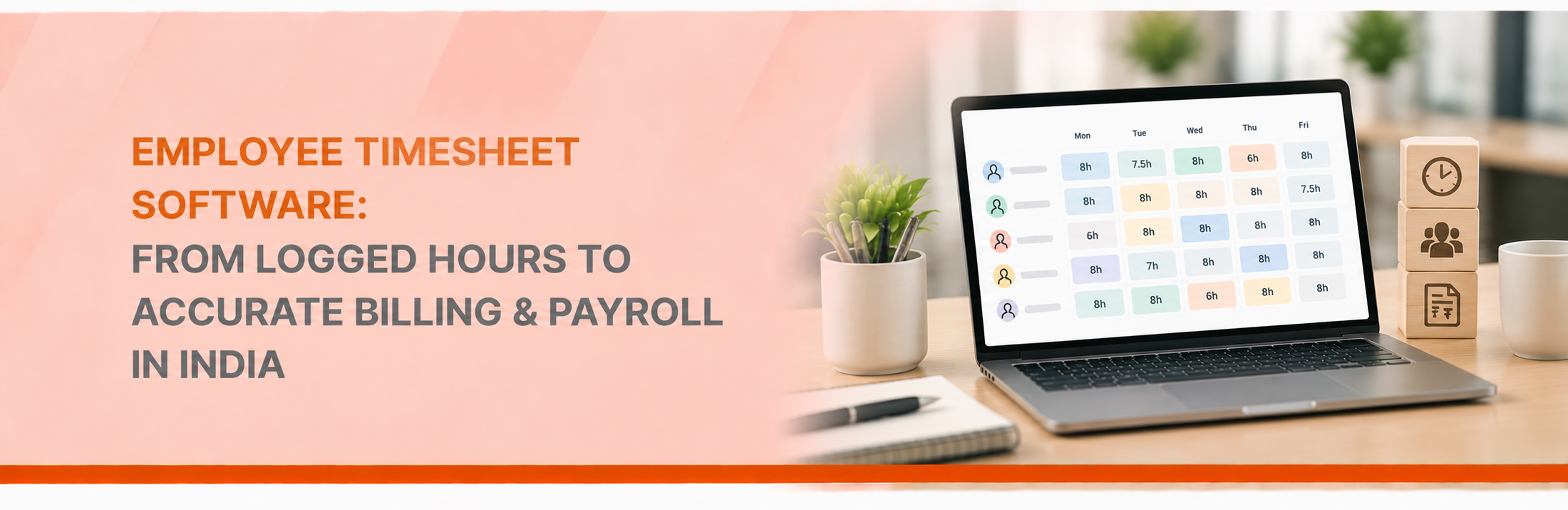
“How many hours did we actually spend on this project?”
For a project manager, this question can come up almost every week.
The project is running late. The client wants an update. Finance wants to know whether the project is still within budget. And someone asks whether the team has already crossed the estimated hours.
Now imagine trying to answer all of that using Excel sheets, emails and manually updated trackers.
That’s where employee timesheet software becomes useful.
A timesheet is much more than a record of when an employee worked. From a project perspective, it can tell you where your team’s time is going, how much effort a project is consuming, whether the work is billable and whether the project is staying on track.
And when timesheets are connected with attendance and payroll, that information becomes even more useful.

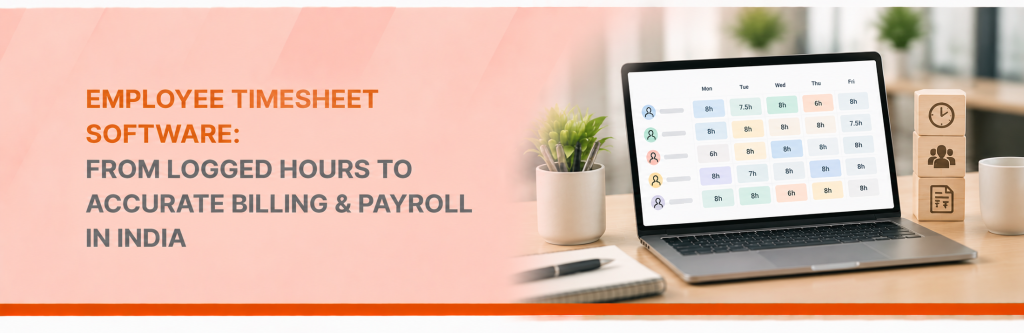
Employee timesheet software allows employees to record the time they spend working on specific projects, clients, tasks or activities.
Instead of simply recording:
“Worked 8 hours today.”
an employee can record:
Project A – 5 hours
Project B – 2 hours
Internal meeting – 1 hour
That small difference gives managers much more visibility.
A timesheet management system can then allow managers to review and approve those hours before the information is used for project reporting, billing, payroll or other business processes.
Projects are usually planned around three things:
Time + People + Cost
You may know how many people are assigned to a project and what the project budget is.
But do you know how much employee time is actually being consumed?
That’s where timesheets come in.
For example, a project may have been estimated at 500 hours.
After three weeks, the team has already logged 400 hours.
That’s an important signal.
Maybe the project scope has increased.
Maybe a particular task is taking longer than expected.
Maybe the original estimate was too optimistic.
Without actual time data, the project manager may only discover the problem when the deadline is already approaching.
The most important feature of timesheet software should be simple:
Can employees easily record time against the right project?
Employees can log hours against specific:
This creates a more detailed picture of where working hours are being spent.
Instead of asking employees at the end of the month where their time went, project managers can see the information as work progresses.
Not all projects take the same amount of effort.
A project that looked profitable at the beginning may become less attractive if it consistently requires more hours than planned.
With project time tracking, managers can compare:
Estimated hours vs Actual hours
For example:
| Project | Estimated Hours | Actual Hours |
| Project A | 500 | 460 |
| Project B | 300 | 380 |
| Project C | 750 | 690 |
Project B immediately deserves a closer look.
The numbers don’t tell you why it’s taking longer—but they tell you that it’s worth investigating.
That’s where good project management begins.
Employee time is a cost.
If a project requires significantly more employee hours than planned, its actual cost can also increase.
A timesheet management system can help businesses understand the relationship between:
Employee hours → Project effort → Project cost
This is particularly useful for IT services, consulting, agencies, engineering companies and other project-based organisations.
Managers can use the data to improve future project estimates and resource planning.
This is one of the most useful features for service businesses.
An employee might spend eight hours working, but perhaps only five hours are billable to the client.
The remaining three hours could involve:
Employee timesheet software can help classify these hours.
That gives finance and project managers a clearer picture of:
Total hours → Billable hours → Non-billable hours
Over time, this can also help businesses understand where valuable project capacity is being used.
For businesses that invoice clients based on hours, timesheets can directly affect revenue.
Imagine your team worked 200 billable hours, but only 170 hours were recorded and approved.
That’s 30 hours that could potentially be missed during billing.
A structured timesheet process creates a clearer workflow:
Employee logs time → Manager approves → Finance reviews → Client is billed
It also gives businesses a record they can refer to if a client questions the hours included in an invoice.
Project managers often want to know:
“Are our people being fully utilised?”
Timesheet data can help answer that question.
For example, if an employee has 160 available working hours in a month but only 90 hours are allocated to projects, managers may want to understand where the remaining time is going.
On the other hand, if someone is consistently logging 180+ hours, that could indicate a workload or resource-planning issue.
The point isn’t to monitor employees minute by minute.
It’s to understand whether people and projects are being planned realistically.
While project tracking may be the primary reason for using timesheets, payroll can also benefit from the same information.
Depending on the organisation’s payroll process, approved time data may be relevant for:
For Indian organisations, connecting timesheets with attendance and payroll can reduce the need to manually move information between systems.
The flow can look like:
Project/Task → Timesheet → Approval → Attendance/Payroll Input
The exact payroll treatment will depend on the company’s policies and applicable requirements, but having approved time records provides HR with a much more structured input.
Here’s a problem project managers and HR teams know very well.
“Please update your timesheet.”
“Your hours are still pending.”
“Which project should I put this under?”
“Can you correct last week’s entry?”
A good timesheet management software solution can automate reminders and approvals.
Employees submit their hours.
Managers review them.
The system keeps track of what’s pending.
HR doesn’t have to become the middle person for every update.
Before choosing a system, ask questions based on your actual project process:
Most importantly:
Can your team use it without spending more time managing the tool than managing the project?
OpportuneHR brings timesheet management into a broader HRMS environment, allowing organisations to manage employee information, attendance, timesheets and payroll processes in one connected ecosystem.
From a project perspective, teams can use timesheets to capture employee hours against projects and activities, giving managers better visibility into where time is being spent.
The same employee time data can also support downstream HR and payroll processes where applicable.
So instead of maintaining separate spreadsheets for:
Projects + Employee Hours + Attendance + Payroll
organisations can work towards a more connected process.
A timesheet shouldn’t be treated as just another form employees have to fill in.
For project-driven organisations, it can become a valuable source of business information.
It can help answer:
That’s the real value of employee timesheet software.
It’s not about tracking every minute for the sake of tracking.
It’s about connecting people, projects, time, cost and payroll so managers can make better decisions with actual data.
See how OpportuneHR can help connect employee timesheets, attendance and payroll in one HRMS.