September 22, 2026
Cloud HRMS vs On-Premise HR Software: Which Should an Indian SME Choose?
ReadDiscover Why OpportuneHR is the best HRMS Software in India! Schedule a Demo OR Call us @ +91 7700-954949


 Visited 1 times


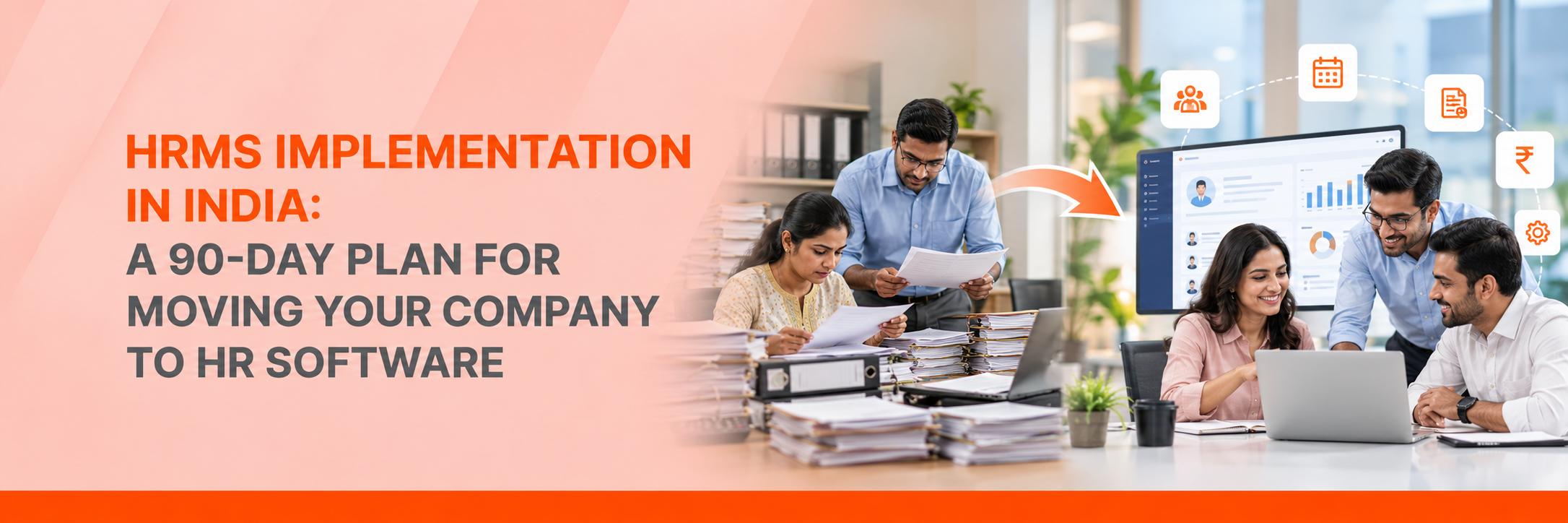
Quick answer: An HRMS implementation in India takes about 90 days for a mid-sized company. Days 1 to 30 cover requirements, clean data and salary restructuring. Days 31 to 60 cover configuration and two parallel payroll runs. Days 61 to 90 cover training, go-live and four weeks of close support. Plan for one India-specific step most guides skip: carrying over TDS, PF and ESI figures already paid this tax year.

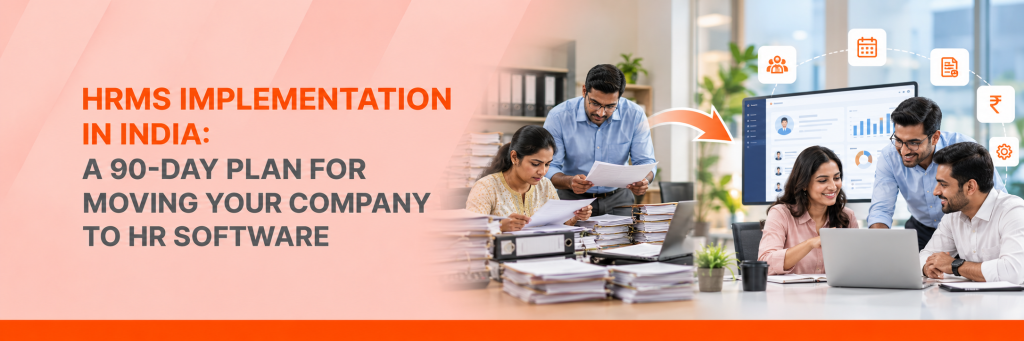
An HRMS software implementation project moves your HR rules, employee records and payroll out of spreadsheets and into one system, with processes configured around your company’s policies and workflows. Then the old process has to be switched off. The software is the easy part. Most of the work is agreeing on how your policies really work and cleaning the data.
Expect work in five areas:
One of our clinets told us, “The software opened my eyes. It showed us we had four different leave policies and nobody knew which was real.”
The 90-day HRMS implementation plan has three 30-day phases, and each ends with a sign-off. You don’t start configuring until the data is clean. You don’t go live until parallel payroll runs match. Skip a gate and the problem simply waits for payday.
| Phase | Days | Main work | Gate to pass before moving on |
| 1. Prepare | 1 to 30 | Requirements, go-live date, data cleaning, salary restructuring | Clean master data signed off by HR and finance |
| 2. Build and test | 31 to 60 | Configuration, integrations, opening balances, two parallel payroll runs | Parallel runs pass the exit criteria below |
| 3. Launch | 61 to 90 | Training, cutover, first live payroll, hypercare | One live payroll with no unexplained variance |
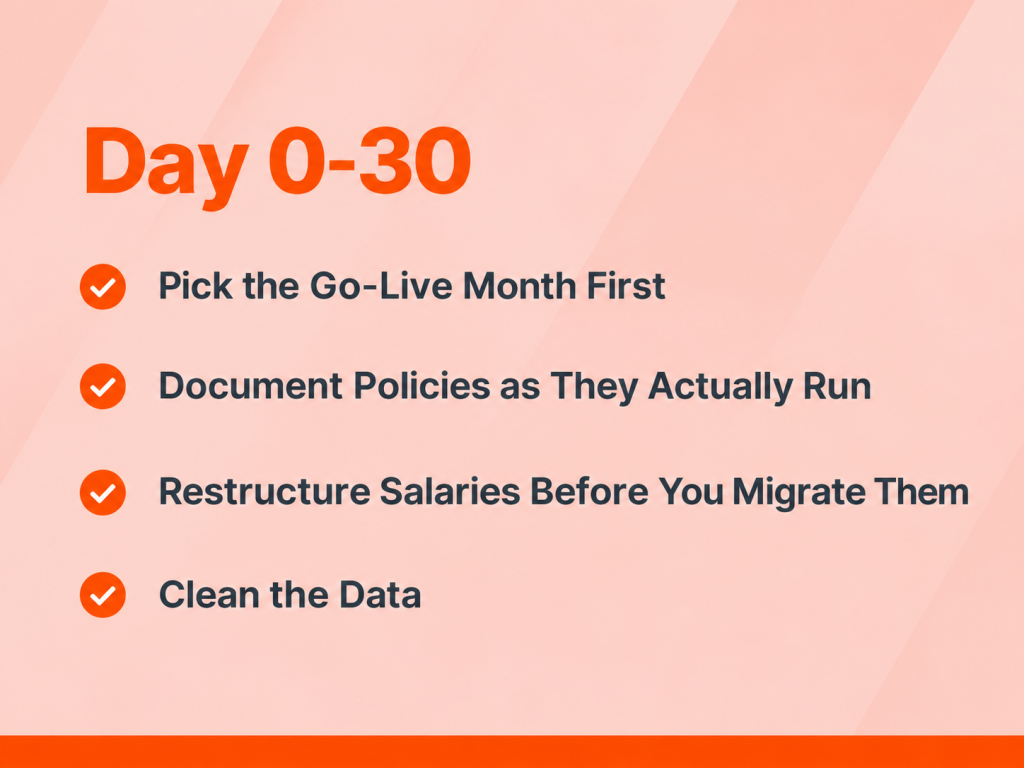
Month one is about deciding things and cleaning things. Start by naming one internal project owner who can make policy decisions. Hold the kickoff meeting in week one, then pick your go-live date.
Pick the Go-Live Month First: It decides how much statutory data you need to carry over. A switch on 1 April is the cleanest, because the tax year starts fresh. A mid-year switch works fine at a quarter boundary, such as 1 October or 1 January. Avoid March and your bonus month.
Document Policies as They Actually Run: The handbook may say 12 casual leaves. Your plant may quietly allow 15. Write down the real rule, then decide which one the system should follow.
Restructure Salaries Before You Migrate Them: The old advice was to copy existing salary structures straight into the new system. That advice is wrong now, because the Labour Codes have changed what counts as wages. They have been in force since 21 November 2025.
Before configuring payroll, review salary components, allowances, deductions and applicable statutory rules with a qualified payroll adviser. The payroll compliance management software page explains how payroll systems can support statutory calculations and reporting
Does This Mean Basic Pay Must be 50% of CTC? No. The test applies to specific excluded components, not to CTC as a whole. Ask your payroll adviser to review each structure. Then migrate the corrected version, not the old one.
Clean the Data: Expect duplicate employee IDs, missing UANs, wrong bank IFSC codes and joining dates that conflict between files. Fix these in the source data, not inside the new system.
Before migration begins, teams should validate employee records, salary structures, attendance inputs and statutory balances. Our guide to pre-payroll preparation explains the checks that help reduce errors before payroll is processed.
Month two turns your agreed policies into system rules. Then you test them against real payroll. The vendor configures the system. Your team checks every rule against a real employee case. The phase ends when two parallel payroll runs pass.
Configure in this Order: Company structure, then grades and salary components, then leave, attendance and shifts, then approval workflows. Payroll comes last, because it depends on everything above it.
Connect the Integrations: Link your biometric devices, ERP or Tally, and bank salary file format. Before go-live, test each integration using real data and verify that payroll outputs flow correctly into finance. Review the complete guide to payroll management software for more on accounting exports, bank files and integration requirements. Test each one with real data, not samples.
Load the opening balances: For a mid-year go-live, this is the step most guides miss. The new system must know what has already happened since 1 April. For each employee, carry over:
What happens if you skip this? The new system assumes nobody has paid any tax yet. It recalculates the whole year’s TDS over the remaining months, so take-home pay drops sharply. The helpdesk lights up by lunchtime on payday.
What Data Do You Need to Prepare for Migration?: Compare every employee’s pay line by line. Agree the exit criteria in writing before the first run:
Expect differences in the first run. In a hypothetical 600-person company, run one might show 41 mismatches. Most would trace back to three causes:
Fix the causes, not the individual payslips. Run two should then show only explained differences.
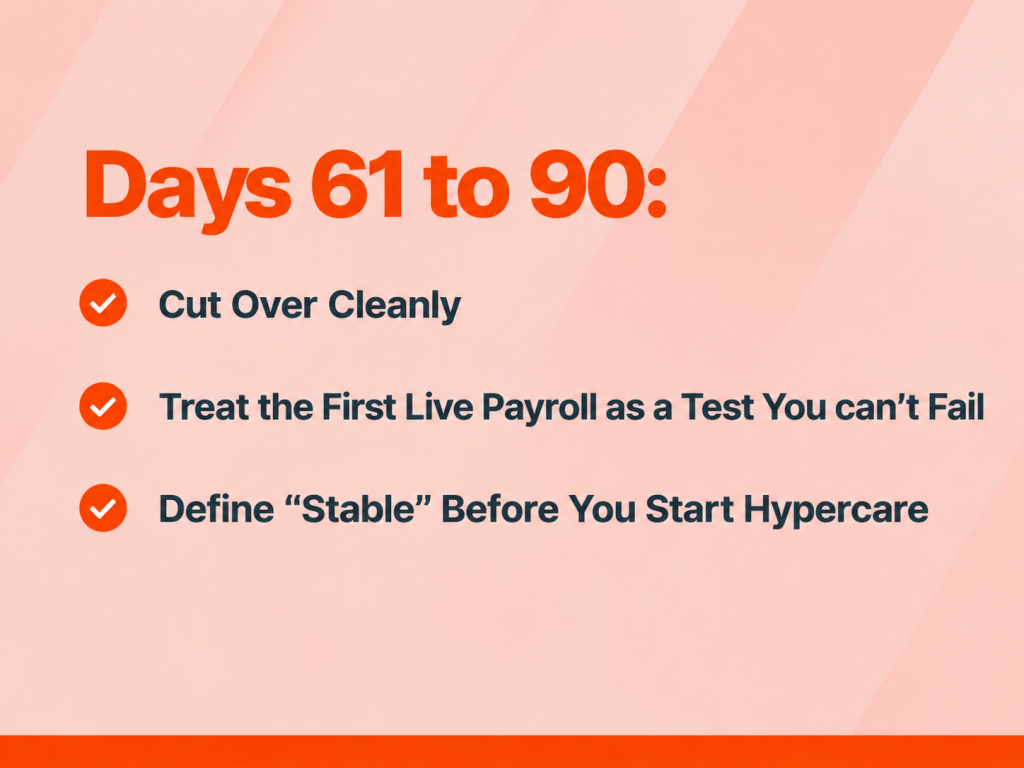
Month three gets people using the system and switches the old process off. Train each group on only what they will do, set a firm cutover date, and run the first live payroll. Then give it four weeks of close support, known as hypercare.
Train by Role, Not by module:
| Who | What they need to learn | Format |
| HR and payroll admins | Every configuration, monthly payroll steps, reports | Hands-on workshops, about 2 days |
| Managers | Approving leave, attendance and overtime on mobile | 30-minute session plus a one-page guide |
| Employees | Payslips, leave requests, attendance and tax declarations | Short videos in their language, plus floor champions |
Cut Over Cleanly: Set a date after which nothing is entered in the old system. Then switch the old system to read-only. Keep it accessible until the year’s salary TDS certificate is issued.
From tax year 2026-27, that certificate is Form No. 130, which replaces Form 16. It is due by 15 June after the tax year ends (Income Tax Department, Form 130 FAQs). For a mid-year switch in 2026-27, that means keeping read access until at least 15 June 2027.
Treat the First Live Payroll as a Test You can’t Fail: Run it a few days early. Have finance and HR review every variance against the last parallel run before releasing the bank file.
Define “Stable” Before You Start Hypercare: A practical test: one live payroll with no unexplained variances, and support tickets falling week on week. Until both are true, the vendor’s implementation team stays on the project.
Prepare four kinds of data: employee master records, salary structures, statutory balances and leave balances. HRMS Data migration succeeds when someone in HR or finance has checked each file against an independent source. That might be bank statements, PF challans or signed offer letters.
| Data | Where it usually lives | Check it against |
| Employee master (name, ID, DOB, joining date, department) | HR Excel, old payroll | Offer letters and ID proofs |
| Statutory IDs (PAN, UAN, ESIC number) | Payroll, PF portal | PF and ESIC portal records |
| Bank details | Payroll | Last month’s bank transfer report |
| Salary structure by employee | Payroll, appraisal letters | Restructured structure signed off in phase 1 |
| YTD gross pay, TDS, PF, ESI, PT | Old payroll | Deposited challans and returns |
| Leave balances | Leave register, Excel | Employee confirmation via self-service |
| Assets, loans and advances | Admin and accounts Excel | Accounts ledger |
A successful migration also requires clear ownership of employee information, appropriate access permissions and reliable source records. Review the HRMS data migration and automation guide for more on transferring data from legacy systems and preparing it for a new HR platform.
Who owns this employee data now? You do, and the law is getting stricter about it. The old advice was that data privacy is IT’s problem. That advice is wrong now, because India’s DPDP Rules make the company accountable for personal data.
So an HRMS going live now should be built for those rules from day one:
Make the new system the only way to get things done, and make the first week easy. Employees adopt an HRMS when their leave gets approved faster and their payslip makes sense. Announcements don’t do it. Managers decide whether a rollout sticks, because their approvals drive everyone else’s experience.
What works in Indian workplaces:
Employee adoption improves when staff understand how to use the system for everyday tasks. Our guide to encouraging employees to use an employee self-service portal explains how training, clear instructions and feedback can support adoption.
Most failed rollouts fail in the first 30 days, even though the damage shows up on the first payday. Six mistakes come up again and again in Indian companies, and each has a fix.
1. Configuring Before the Policies are Agreed: The vendor builds what HR described, then plant HR says that’s not how it works.
Fix: Sign off every policy in writing first.
2. Migrating dirty data “to clean later”. Later never comes, and the errors land in payslips.
Fix: Clean data in the source files before loading anything.
3. Skipping YTD tax and statutory balances. Mid-year TDS jumps and employees panic.
Fix: Load balances checked against challans.
4. Running just one parallel payroll, or none. One run finds the problems. A second run proves the fixes worked.
Fix: Plan for two runs and agree the exit criteria first.
5. Copying old salary structures. The 2026 Labour Code rules arrive along with them.
Fix: Restructure before you migrate.
6. Treating go-live as the finish line. Tickets pile up and trust drops.
Fix: Four weeks of hypercare with a clear definition of “stable”.
Implementation success also depends on the value the new system delivers after launch. This guide to improving ROI from HR automation explores data migration, phased automation and how to prioritise features as business needs grow
Your team owns decisions and data. The vendor owns configuration, integrations and product training. You share testing and the go-live call. When an implementation runs late, it’s usually because a decision sat unanswered on the company side for two weeks.
| Task | Your team | Vendor | Shared |
| Name a project owner with decision rights | ✓ | ||
| Document and sign off policies | ✓ | ||
| Clean and supply data | ✓ | ||
| Salary restructuring review | ✓ (with payroll adviser) | ||
| System configuration | ✓ | ||
| Biometric, ERP and bank integrations | ✓ | ||
| Data import and validation tools | ✓ | ||
| Test cases using real employees | ✓ | ||
| Parallel run comparison and sign-off | ✓ | ||
| Training HR admins | ✓ | ||
| Training managers and employees | ✓ (with vendor material) | ||
| Go-live decision | ✓ | ||
| Hypercare support | ✓ |
Spend one afternoon on a data check before any demo. Pull your employee master and check how many records have missing PAN, UAN or bank details. Count how many salary structures exceed the 50% exclusion rule. Those two numbers will tell you whether day 1 is realistic. Talk to OpportuneHR about your 90-day plan and bring both numbers.
How long does HRMS implementation take in India?
HR software implementation in India usually takes about 90 days for a company with 200 to 2,000 employees, from kickoff to a stable first live payroll. Smaller firms with simple payroll can finish in four to six weeks. Multi-entity or multi-state companies, or those with heavy integrations, may need four to six months.
When is the best time to go live with a new HRMS?
1 April is the cleanest choice, because the tax year starts fresh and no tax carry-over is needed. Otherwise, go live at a quarter boundary, such as 1 October or 1 January. Avoid March, year-end closing and your annual bonus month.
What is a parallel payroll run?
A parallel payroll run means processing the same month’s payroll in both the old and new systems, then comparing the results employee by employee. It catches configuration errors before they reach real payslips. Two runs are safer: the first finds problems, and the second proves the fixes worked.
Can we switch HRMS in the middle of the financial year?
Yes. Payroll migration mid-year works if you load each employee’s year-to-date gross pay, TDS, PF, ESI, professional tax and declared investments into the new system. Check them against deposited challans first. Keep the old system read-only until that year’s Form No. 130 is issued. Form 130 replaced Form 16 from tax year 2026-27.
What should we ask the vendor before signing?
Ask who does the configuration and data import, and how many parallel runs are included. Ask what hypercare looks like after go-live. Ask how they handle Labour Code salary structures and DPDP data access controls. Then ask for a reference customer of your size and industry.