September 8, 2026
greytHR vs OpportuneHR: Pricing, Features & Compliance Compared in 2026
Hr Tech, HRMs Software, Payroll
ReadDiscover Why OpportuneHR is the best HRMS Software in India! Schedule a Demo OR Call us @ +91 7700-954949


 Visited 1 times


If you’re looking for HR software, there’s a good chance you’ve already searched for one thing: Zoho People pricing.
And why not? Budget matters, especially when you’re choosing software that your entire HR team will use.
But here’s the thing. The price you see on a website doesn’t always tell you whether the software will work for your organisation.
Anyone who has handled HR operations knows how things work in reality. Attendance data needs to be checked before payroll. Employees have questions about their leave balances. Salary revisions need to be updated. Managers forget approvals, and sometimes a small correction becomes a much bigger task than expected.
Now imagine managing all of this across multiple departments or locations.
That’s when you realise that choosing an HRMS isn’t just about finding software with the right features. It’s about finding something that makes your work easier instead of adding another layer of complexity.
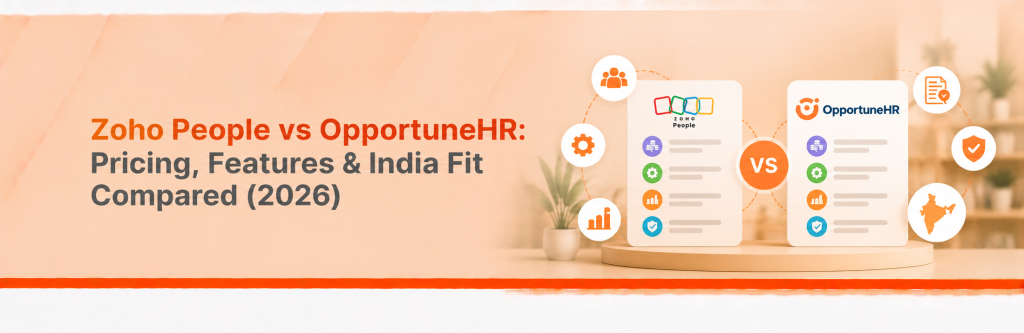
So, if you’re comparing Zoho People and OpportuneHR, let’s look at what really matters: pricing, everyday HR requirements, payroll, flexibility and support.

Zoho People offers several plans, including Essential HR, Professional, Premium and Enterprise. There’s also a free edition for smaller teams.
Depending on the plan, you can access features related to employee management, leave, attendance, performance management and analytics.
One India-focused pricing listing reports paid plans starting at ₹48 per employee per month with annual billing. However, prices and inclusions can change, so check Zoho’s official pricing page before finalising your budget.
But don’t stop at the starting price.
Let’s say you’re a growing company with 100 employees. Right now, you may only need employee records, leave management and basic attendance tracking.
A year later, your requirements might look very different. You may need shift management, more detailed reports, performance reviews or additional integrations.
Will your existing plan cover everything? Or will you need to upgrade?
These are the questions worth asking before you commit.
When evaluating Zoho People plans, make a list of the features your team actually needs. Then check which plan covers them and whether any additional products or services will cost extra.
A little homework at this stage can save you from budget surprises later.
On paper, many HRMS platforms look similar. Most offer employee records, leave management, attendance and other standard HR functions.
The difference becomes clearer when you start using the software.
Can your HR team manage its daily activities without constantly chasing approvals? Does attendance connect properly with payroll? Can you adapt workflows when company policies change?
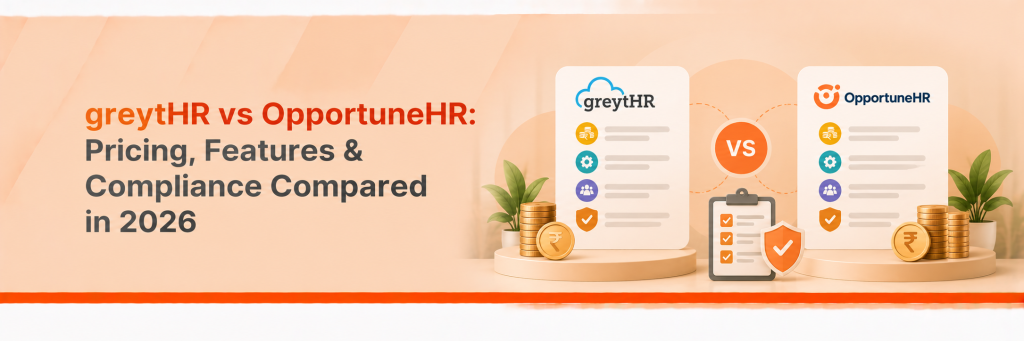
Here’s a quick overview of Zoho People and OpportuneHR.
| What you need | Zoho People | OpportuneHR |
| Employee records and core HR | Available | Available |
| Leave and attendance | Available; features vary by plan | Available |
| Indian payroll | Integrates with Zoho Payroll in India | Integrated HRMS and payroll capabilities |
| Performance management | Available in relevant plans | Available |
| Recruitment and onboarding | Onboarding available; recruitment through the wider Zoho ecosystem | Recruitment and onboarding capabilities |
| Custom workflows | Depends on features and configuration | Focus on configurable workflows |
| Integrations | Strong Zoho ecosystem | APIs and business-system integrations |
| Customer support | Depends on plan and arrangement | Direct, hands-on support approach |
This is a general comparison. Confirm the exact modules, integrations, customisation options and support commitments with each vendor.
One important point: having a feature and being able to use it the way your organisation needs are two different things.
For example, your company may have different attendance policies for different locations. Your payroll team may follow a specific approval process before salaries are finalised.
You need to understand whether the software can support these requirements without creating unnecessary manual work.
That’s what your product demo should help you figure out.
Let’s talk about payroll.
For most HR teams, payroll day isn’t simply about clicking a button and generating salaries. There’s a fair amount of work that happens before that.
Attendance has to be verified. Leave and loss-of-pay calculations need to be checked. New joiners, exits, salary revisions and arrears need attention. Statutory deductions must be handled correctly, and reports need to be ready.
If your systems don’t communicate properly, someone usually ends up doing the extra work manually.
And that’s exactly what an HRMS should help reduce.
Zoho People integrates with Zoho Payroll in India. Depending on the configuration, employee information and loss-of-pay data can be synchronised for payroll processing.
OpportuneHR offers HR and payroll capabilities with a focus on Indian salary structures, statutory requirements and configurable processes.
Both should be evaluated against your actual payroll needs, not just the features listed on their websites.
During a demo, ask a few straightforward questions:
Don’t hesitate to ask the vendor to demonstrate a complicated scenario. That’s often where you learn the most.
A software demo should reflect the way your HR team actually works, not just the easiest possible example.
There’s no point pretending that one HRMS is perfect for every business. Your requirements will depend on your employee strength, existing systems, policies and budget.
So, where do Zoho People and OpportuneHR fit?
If your organisation already uses Zoho applications, Zoho People is worth considering.
Working within the same software ecosystem may make it easier to connect HR activities with other business processes, depending on the applications and integrations you use.
Its different subscription plans also let you evaluate the features that match your requirements.
If your HR processes are relatively straightforward and the available features cover your needs, it may be a suitable choice.
Just make sure you check the plan details carefully before signing up.
Now, think about a company with 600 employees, several office locations and different attendance rules.
The HR team may need location-specific policies, customised salary components, different approval structures and reports that follow the company’s internal format.
In such a situation, standard features alone may not be enough. The team also needs to understand how easily the system can be configured to support its processes.
OpportuneHR focuses on configurable HR workflows, integrated HR and payroll capabilities, and direct support.
If your organisation has requirements that don’t fit neatly into standard workflows, it’s worth exploring how OpportuneHR could handle them.
The key is to ask for a demonstration based on your own processes rather than relying on a general product presentation.
If you’re searching for Zoho People alternatives, you’re probably trying to answer a fairly practical question:
Is there another HRMS that gives us the features and support we need at a cost that makes sense?
That’s a sensible way to approach the decision.
You could include OpportuneHR, Keka and other HRMS platforms serving Indian businesses in your shortlist.
If you’re also searching for any other HRMS Software vs Zoho People, compare them using the same set of requirements. Otherwise, you may end up comparing a basic plan from one vendor with a more comprehensive package from another.
Here’s what I’d compare before making a shortlist:
Pricing: What is the complete cost for your employee strength?
Payroll: Does the solution support your salary structures and payroll requirements?
Attendance: Can it handle your shifts, locations and attendance policies?
Customisation: Can you configure workflows to match your internal processes?
Integrations: Will it work with the other systems your company uses?
Implementation: How much time and effort will your team need to get started?
Support: Who will help when something doesn’t work as expected?
For OpportuneHR, request a quote based on your employee count, required modules, customisation and implementation needs. Compare that with the cost of the equivalent Zoho People setup, including any additional payroll product or integration charges.
That way, you’re comparing what each solution will actually deliver, rather than just comparing two starting prices.
Before you finalise your HRMS, take a little time to discuss these five things with the vendor.
Ask for a detailed quotation covering subscriptions, implementation, integrations and any additional charges.
Explain how your company manages attendance, leave, approvals and salary structures. Find out what can be configured and what would require additional development.
Ask the vendor to demonstrate your regular payroll process, including the exceptions and corrections your team handles every month.
Understand who will help your team after implementation, how issues are escalated and what service commitments apply.
Share a few real examples from your HR operations. A useful demo should show you how the system handles your requirements, not just what its interface looks like.
These conversations may take a little extra time, but they’re worth having before you invest in a new system.
If your organisation already uses Zoho applications and needs HR features that fit your selected plan, Zoho People is worth considering.
If you’re looking for integrated HR and payroll capabilities, configurable workflows and direct support for Indian HR operations, OpportuneHR is another option worth exploring.
Before making your choice, compare the total cost, check the features included in your proposed package and see how well each platform handles your everyday HR requirements.
Because the real value of an HRMS isn’t how many features it lists on its website.
It’s whether your HR team can spend less time correcting data, following up on routine tasks and managing spreadsheets, and more time focusing on employees and business needs.
And that is what you should ultimately look for when choosing HR software.
Still evaluating your options?
Explore OpportuneHR to understand how its HR and payroll capabilities, configurable workflows and support approach could fit your organisation.
Request a demo based on your actual HR processes and see how it compares with the solution you’re currently considering.