October 28, 2026
HRMS Software in Mumbai: How to Choose the Right HR and Payroll System for Your Company
ReadDiscover Why OpportuneHR is the best HRMS Software in India! Schedule a Demo OR Call us @ +91 7700-954949


 Visited 0 times



Quick answer: An HRMS for manufacturing industry in India must do four things an office HR tool can’t. It runs cross-midnight shifts and pays overtime at twice the wage rate. It tracks contract workers at your own gate. It keeps registers ready for the four Labour Codes. Pharma plants need one more: proof that every person on a GMP line was trained and fit that day.

A generic HRMS often struggles in factories because it assumes one employee, one shift, one employer and one set of rules. Manufacturing businesses need HRMS software for the manufacturing industry that can handle rotating shifts, contract workers, overtime, plant-level policies and payroll requirements within one connected system. It runs office staff, rotating operators and contract workers on one calendar. Those workers fall under different state rules and, in some cases, a contractor’s payroll.
The contract share alone changes the job. Organised manufacturing employed 2.1 crore people in 2024-25, up 7.19% in a year, according to MoSPI’s ASI 2024-25 release. A growing slice of them aren’t on the company payroll. Contract workers made up 42% of the workforce in ASI 2023-24, the latest year with this data. That’s the highest share since 1997-98. Ashoka University’s CEDA analysis from September 2026 puts it in context: the share was 19.8% in 2000, which means it has more than doubled.
NOTE: The last stat about contract workers is from 2023 which was published a 2025 article. The numbers may have changed in last 3 years.
So the old advice, “buy one HR tool for the whole company,” is wrong because now nearly half your shop floor may not be on your payroll. Office HR software was never built for that.
“Every month-end, I turn into a forensic accountant for three contractors. Nobody told me that in the job interview.” – Plant HR manager, auto components unit, Pune
A factory HRMS turns attendance punches into accurate payroll inputs by applying shift rules, overtime policies and contractor-related processes. An integrated HRMS software platform can also connect attendance, leave, employee records, payroll and reporting, reducing the need to reconcile information manually across separate systems. An office HRMS mostly tracks leave and processes a monthly salary. A pharma plant adds a third layer: every HR record may also be a quality record an inspector can ask for.
| What you need | Office HRMS | Factory HRMS | Pharma plant HRMS |
| Shifts | General shift, flexible hours | A, B, C rotation, cross-midnight, swaps | Same, plus area-wise rosters |
| Overtime | Rarely tracked | 2x pay, consent, state caps | Same |
| Contract workers | Not covered | Gate attendance, vendor reconciliation | Same, plus GMP training records |
| Compliance | PF, ESI, PT, TDS | Plus Labour Code registers, CLRA, factory rules | Plus Revised Schedule M personnel records |
| Audit question | “Was salary paid?” | “Were hours lawful and wages paid?” | “Was this person trained and fit for this room today?” |
Two rulebooks changed within twelve months. The four Labour Codes replaced 29 central labour laws from 21 November 2025. Revised Schedule M has applied to every pharma manufacturing unit since 1 January 2026, after the last MSME extension lapsed.
Here’s what that means on the floor:
The previous advice, “configure your overtime rule once in payroll and forget it,” does not apply because now overtime needs a consent record and a quarterly cap. A punch proves someone was present. It doesn’t prove they agreed to stay late.
We’ll say what we don’t know too. Several states are still notifying their own rules under the Codes. Check your state’s latest notification before you lock any configuration.
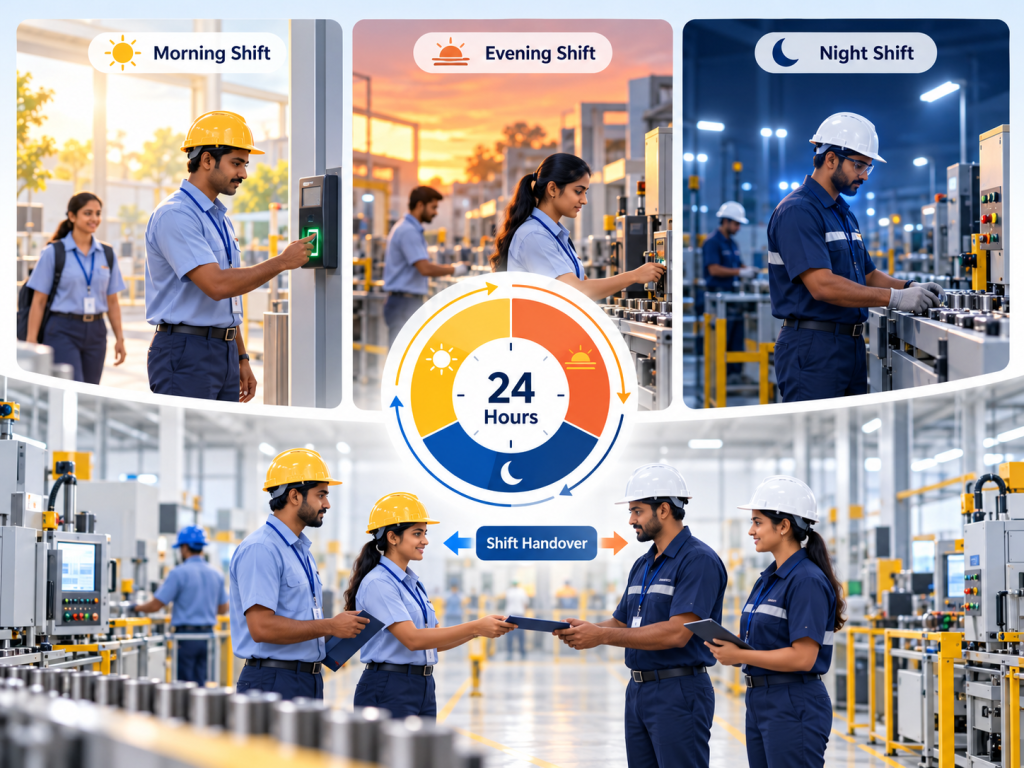
Shift management software for manufacturing needs to assign cross-midnight punches to the correct working day, support approved shift swaps, and apply configured overtime rules. An effective employee time and attendance management system should connect rosters, attendance records and payroll inputs so that shift-related exceptions can be reviewed before salary processing. It applies night-shift rules for women, and it records floor-level swaps. It also needs biometric attendance integration, so punches flow straight into payroll without anyone retyping them.
Let’s understand this with an example,
A worker from C-shift operator punches in at 10 pm on Monday and out at 6 am on Tuesday. A basic system sees half a day on Monday and a stray punch on Tuesday. Result: A false absence, wrong overtime and an unhappy employee at the HR window.
“The machine says he was absent. He and his fellow colleagues know that he was working all night. This is one of the most common challenges factories and pharma companies face.” – Dhwani Mehta, Founder, OpportuneHR.
Why does the date matter? Weekly offs, weekly hour limits and overtime are all counted per working day. If the punch lands on the wrong day, everything built on it goes wrong too. The fix is to attach the whole shift to the day it started.
Your roster module should also handle:
Your roster module should also handle auto-rotation of A, B and C shifts, weekly-off patterns, approved shift swaps and plant-specific attendance rules. For a deeper look at how organisations can build and manage workable schedules, read our guide to shift and roster management software.
When attendance records are maintained separately from payroll, even a small missed punch or unapproved correction can create extra work during salary processing. Read our guide to attendance-to-payroll integration to understand how connected workflows can reduce manual reconciliation and improve payroll readiness.
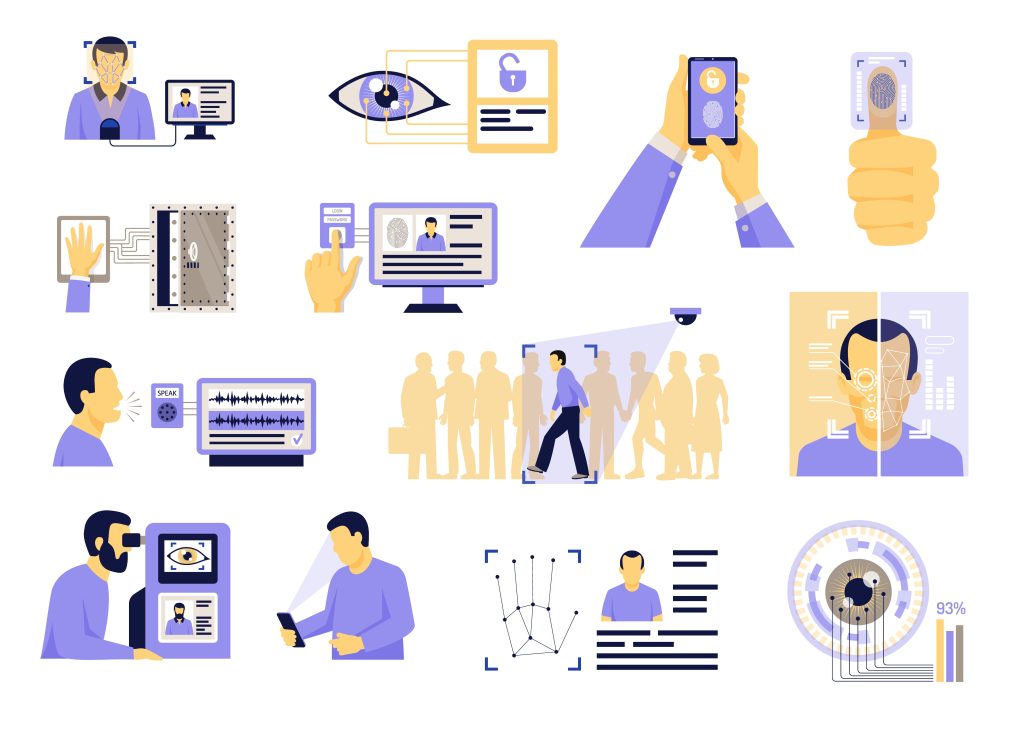
Reliable attendance depends on three things:
Biometric attendance integration matters more than the device brand. If punches have to be exported to Excel and imported again, you’ve added a step where errors creep in.
The previous advice, “pick the cheapest fingerprint device,” does not apply now because now plants run face recognition, RFID and mobile geo-punches side by side. One plant may need all three: face devices at the main gate, RFID in the warehouse, and mobile punches for drivers.
“Our welders’ fingerprints wore off before our devices did. We moved the press shop to face recognition and the complaints stopped.” – Admin head, engineering unit, Rajkot
Check these before you sign:
The HRMS should treat contract workers as individuals in your system, even though a contractor pays them. Each contract worker should be traceable in attendance records, linked to the relevant contractor and included in the monthly invoice reconciliation process. Managing these details through disconnected files can make the task harder as the workforce grows. Read more about why manufacturing companies need flexible HR software to manage attendance, contractor workers and payroll processes.. Overtime should be approved, with consent, before it’s worked, not argued about after.
What the contract module should hold:
For overtime, the system should collect the worker’s consent, track a running quarterly total and stop approvals at the cap. It should then pay at the right rate without anyone recalculating by hand. OT isn’t a number on a sheet. It’s a negotiation that happens at 5:55 pm.
It keeps compliance records as a by-product of daily work, not as a month-end project. Registers, returns and audit trails come from the same attendance and payroll data. For pharma, the HRMS also links training and medical fitness to the roster, so nobody unqualified ends up on a GMP line.
An HRMS can make compliance reporting easier by connecting records generated through attendance and payroll workflows. Depending on the organisation and applicable requirements, teams may need to manage statutory reports, wage records, overtime information and contractor documentation. Payroll compliance management software can support payroll-related reporting and help teams organise the information needed for compliance reviews.
Verify every rule below against the official notification for your state before configuring it.
The four Labour Codes took effect on 21 November 2025, replacing 29 central laws (People Matters). For HR systems, four changes matter most:
| Rule | What the HRMS must do |
| Principal employer pays if the contractor defaults (Lakshmikumaran & Sridharan) | Keep your own attendance and wage records for contract workers |
| Fixed-term staff get gratuity after one year (Morung Express / IANS) | Accrue gratuity from month one |
States are still notifying their own rules, and they differ. Gujarat, for example, allows 125 overtime hours a quarter (Lawrbit). Your HRMS should hold rules by plant, not one national setting.
Payroll should run from approved attendance, with plant-specific pay items calculated according to configured rules. Manufacturing payroll may include basic pay, shift allowances, overtime, production incentives, attendance bonuses and deductions. Payroll software for manufacturing companies should be evaluated against these real salary structures, including how it handles arrears, statutory deductions and payroll reporting.
Here’s a hypothetical operator’s month:
| Component | Amount (₹) |
| Basic + DA | 16,500 |
| Night shift allowance (12 nights × ₹60) | 720 |
| Overtime (18 hours at 2x rate) | 2,860 |
| Production incentive | 1,200 |
| Canteen deduction | −650 |
| Salary advance recovery | −1,000 |
Each line is a separate rule. If any one of them sits in Excel, the payslip will be wrong for someone.
The payroll engine should also handle:
Choose an HRMS for manufacturing by testing it against your most challenging operating month. Bring a real night-shift record, a contractor invoice and a complicated payslip to the demo. If your plant has unusual attendance rules or complex overtime calculations, our article on customised HRMS solutions for manufacturing companies explains why configurable workflows can matter. If the system handles those three without workarounds, most of the rest will follow.
Ask these questions in the demo:
The previous advice, “pick the HRMS with the longest feature list,” is irrelevant because now configuration time decides the outcome. A system that needs six months of customisation will still be on Excel when the next wage revision arrives.
Who this isn’t for: a 40-person unit with one shift and no contractors may not need this depth yet. A simpler payroll tool will do.
Pull last month’s data for one night shift and one contractor. Count the manual corrections HR made, and compare the contractor’s invoice with your gate punches. If you find a gap, you have your business case. Book an OpportuneHR demo and bring that month with you.
Can an HRMS manage shifts and overtime?
Yes, if it’s built for plants. It should rotate A, B and C shifts, record swaps and assign night shifts to the day they started. For overtime, it should collect the worker’s consent, track quarterly totals against state caps and pay the correct rate automatically.
Does it integrate with biometric attendance devices?
A plant-ready HRMS connects to common fingerprint, face recognition and RFID devices, so punches flow straight into attendance and payroll. Ask the vendor which brands they support, how often data syncs, and how punches are stored when the network drops. They should load automatically once the connection returns.
How does it handle contract and temporary workers?
The HRMS registers each contract worker individually and captures attendance on your gate devices. It then matches the contractor’s invoice against your punches and their PF and ESI challans. It alerts you before licences expire. Temporary and fixed-term staff get their own pay rules and gratuity accrual.
How do we keep compliance records audit-ready?
Generate registers and returns from live attendance and payroll data, not month-end spreadsheets. Keep an audit trail that shows who changed which record, when and why.